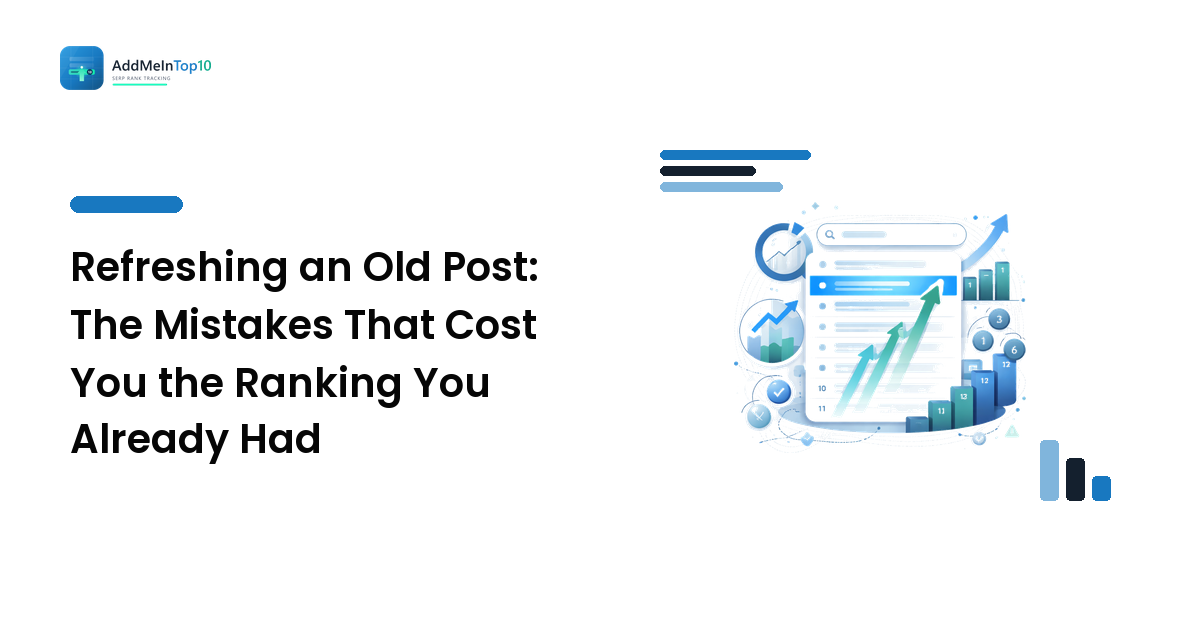
Refreshing old posts is the most reliable advice in on-page SEO, which is exactly why it goes wrong so often. You open a page sitting at #13, spend an afternoon making it better in every way you can name, hit publish — and a fortnight later it is at #19.
The short version: nearly all refresh damage comes from removing something rather than adding it. You changed the URL, cut the paragraph that was actually matching the query, edited the title until the query fell out of it, or rewrote an informational page into a sales page. The refresh that works is narrow and additive: fill the gap the page has, leave the parts that were already earning the position, and change one thing at a time so you can tell which edit moved the needle. The mistakes below are the ones that come up again and again, each with the check that catches it before it costs you anything.
Write down the before state, or you cannot tell a mistake from noise
Every recovery in this article depends on knowing what the page looked like when it was ranking. Before you touch anything, spend ten minutes recording:
- The position, checked properly — from your main market, on the device your audience uses, not the average in a report. An average smooths over exactly the movement you are about to cause.
- The exact URL, and whether any other page on your site also ranks for the query.
- The title tag and H1 as they currently read.
- A section inventory — a list of the H2s and the questions each one answers.
- Which internal links point at the page, and roughly from where.
That list takes ten minutes and turns "I think it got worse" into "the position was 13, I removed two sections and changed the URL, and it is now 19." Without it you are guessing, and ordinary week-to-week movement will convince you of whatever you already believe — rankings move on their own far more than most people expect.
The edits that undo a ranking
Changing the URL because the old one was untidy
Why it is tempting: the old slug has a date in it, or a keyword you no longer target, and you are already in the editor.
What it costs: a URL change is a new page as far as search engines are concerned until the redirect is followed, understood and consolidated. That takes time even when it is done perfectly, and it is frequently done imperfectly — a redirect chain, a missed redirect from a paginated version, an internal link still pointing at the old address.
The cheap check: ask what the new URL earns you. If the answer is "it is neater", that is not a reason.
The fix: leave the URL alone during a refresh. If the URL genuinely must change, do it on its own, with a direct one-hop redirect, and update every internal link to it — then leave the content alone until the position stabilises so you know which change caused what.
Cutting the section that was doing the ranking
Why it is tempting: the page is long, some parts feel dated, and tightening is what good editing looks like.
What it costs: the page ranks for a query because something on it matched that query. Often it is a specific, unglamorous passage — a definition, a worked example, a table, a paragraph answering a narrow sub-question — and it is exactly the kind of thing that gets cut for reading flow.
The cheap check: in Search Console, list the queries the page already gets impressions for, then map each one to the section that answers it. Anything that is the only home for a query stays.
The fix: refresh additively. Update what is inaccurate, add what is missing, and leave a section in place if you cannot name a better answer to the query it serves.
Rewriting the title until the query falls out of it
Why it is tempting: titles are the highest-leverage on-page element, and a punchier one should mean more clicks.
What it costs: relevance you already had. A title is both a relevance signal and the ad for the result, and rewrites made for the second reason regularly damage the first — the exact phrase people search disappears in favour of something that reads better in a content calendar.
The cheap check: read the new title and ask whether someone typing the query would recognise their own words in it. Then check the results page: if every result in the top 10 leads with the phrase and yours no longer does, you have opted out of the pattern.
The fix: keep the query wording, improve everything around it. The clarity you want usually lives in the second half of the title, not the first.
Turning an informational page into a sales page
Why it is tempting: the page gets traffic that does not convert, so you add the product, the pricing, the call to action, the comparison table.
What it costs: intent alignment. The page ranked because it matched what a searcher wanted at that moment; a page that now sells rather than explains no longer matches, and the results page will show you a top 10 full of explanations. This is the single most common way a page-two keyword becomes a page-three keyword.
The cheap check: search the query yourself and look at what kind of page holds the top results. If they are guides and yours is now a product page, the mismatch is the problem, not the writing.
The fix: keep the informational page informational and let it link onward to the commercial page. That is a job for internal links, and it is covered properly in the on-page improvements guide.
Changing the date and calling it a refresh
Why it is tempting: freshness gets talked about as a ranking factor, and a new date is a five-second edit.
What it costs: trust, mostly, and occasionally clicks. A date that moves while the content does not is visible to readers, and it does not create the substance the position depends on. Meanwhile you have lost your own record of when the page was actually last worked on.
The cheap check: if you cannot name a specific thing on the page that is now more accurate or more complete than it was, it has not been refreshed.
The fix: update dates when the content changes, as a consequence rather than a tactic.
Refreshing thirty pages in one weekend
Why it is tempting: batching feels efficient, and a content audit produces a long list all at once.
What it costs: attribution. When a batch of pages moves in different directions at the same time, you cannot tell a good edit from a bad one, and you cannot roll back with any confidence because you no longer know what you changed on which page.
The cheap check: could you say, for any single page in the batch, exactly what was changed and what happened next? If not, the batch is too big.
The fix: work in small groups, starting with the pages closest to the top 10 — striking-distance keywords are where a refresh pays back fastest — and leave a gap between groups long enough to read the result.
How long before you can call a refresh a failure?
Long enough for the page to be re-crawled and re-evaluated, which is not the same day and is rarely the same week. A page has to be fetched again, the changes have to be assessed, and the position that follows has to settle.
In practice: give it a few weeks of controlled position checks before drawing conclusions, and judge the trend rather than any single reading. Movement in the first days after an edit is mostly re-crawl churn and is not evidence of anything. The mistake is reacting inside that window — editing again on day three guarantees you will never know which version was working.
Getting a lost position back
If the drop is real and sustained, roll back in the order of the damage, one change at a time:
- Restore the URL, or make sure a single clean redirect points from old to new and no internal link still uses the old address.
- Put back what you cut, starting with any section that was the only answer to a query the page used to receive impressions for.
- Restore the title's query wording, keeping any genuine improvement in the rest of the line.
- Undo the intent shift — move the sales material to the page built to sell, and link to it instead.
- Then wait. Recovery needs the same re-crawl and re-evaluation the drop needed. Stacking new fixes on top of an unresolved one is how a small problem becomes an untraceable one.
Not every drop after an edit was caused by the edit — algorithm-wide movement and competitors publishing better pages happen on their own schedule. That is what the before state is for. If the page you restored returns to where it was, the refresh caused it. If it does not, the cause was somewhere else, and the next place to look is the results page itself.
FAQ
Does updating an old post always improve its ranking?
No. It improves rankings when it makes the page a better answer than it was, and it damages them when it removes the parts that were already answering. The direction depends entirely on what you changed.
Should I change the publish date when I update a post?
Only when the update is substantial enough that a reader would want to know. A date change on its own is not a refresh, and readers notice when the two do not match.
Will changing a URL lose rankings even if I redirect it?
A correct one-hop redirect usually preserves the ranking, but the consolidation takes time and any mistake in the chain costs more than the tidier URL is worth. During a refresh there is rarely a good reason to accept that risk.
How many pages should I refresh at once?
Few enough that you could still explain what you changed on each one and what happened afterwards. For most site owners that is a handful at a time, not a whole category.
Does adding more words help a page on page two?
Only if the words answer something the page was missing. Length added for its own sake dilutes the parts that were matching, which is one of the quieter ways a refresh goes backwards.
A good refresh is conservative: keep what is ranking, add what is missing, change one thing at a time, and record the before state so the after state means something. That last part is the one people skip, and it is the one that turns editing into evidence.
If you want that record kept for you rather than in a spreadsheet, track your rankings with Add Me In Top 10 — controlled position checks on a schedule, with your near-miss keywords at #11–20 kept in front of you before and after every edit.